Design System
December 12, 2022

December 12, 2022
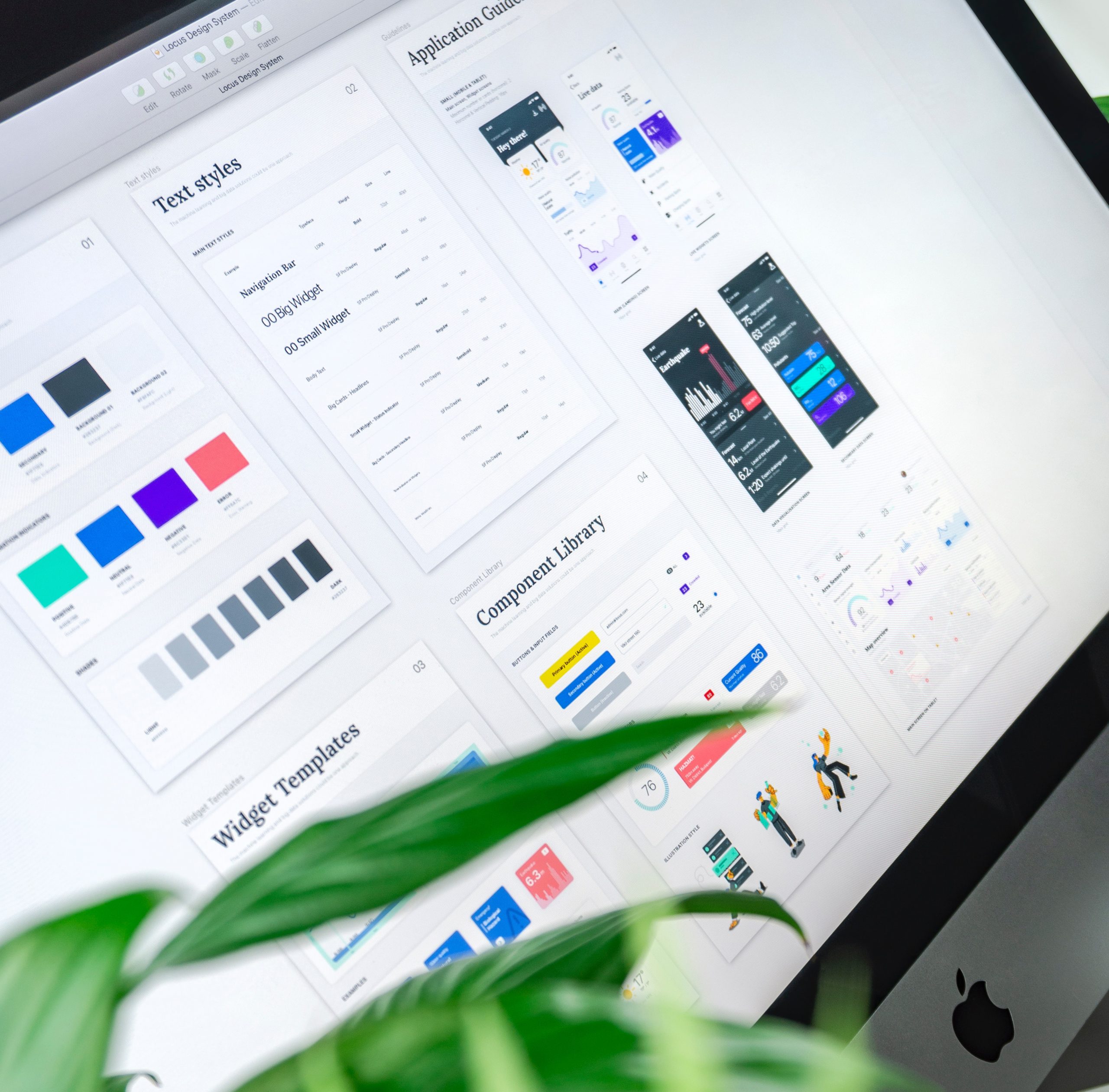
A design system is a collection of documents, articles, examples, code snippets, design guidelines, components, philosophies and other digital assets for a product design company. Think of it as a big knowledge base that is part UI kit, part documentation with instructions, language and coding guidelines all wrapped up together. As we already mention a design system is not just a collection of design repositories, it’s a philosophy. To create a great user experience, product teams should understand what they need to build and why they need to build it. That’s why design vision and design principles should always be used as a foundation for design systems
There are two essential parts to a design system: 1. The design repository;Colours, Typography, Form elements (Buttons, input fields, text areas etc.), Icons, Logos (Social share icons etc.), Navigation elements, Cards (with different states), Tooltips, Overlays, Modals, Banners, Feedback (Progress bars), Lists, Tables, Data Visualization (Line charts, pie charts etc.)
2. The people who manage itDesign systems aren’t only for designers. They are also for developers, as they contain all code snippets and development resources with necessary front-end code together with documentation as well as design guidelines, relevant plugins, design patterns, style guides, reusable components, rules plus guidelines, and all other building blocks useful for web design and development workflow. Maintaining and evolving a design system is a significant undertaking. Fundamentally, design systems are meaningless if they don’t get adopted and used by people. It’s crucial that the design system is actually linked to product design, to the websites and applications that are shipped and live for customers to use.
Incorporating a system into a design culture takes a lot of time; it’s a gradual process. Design systems are made of many components, patterns, styles, and guidelines, which can help to optimize your design efforts. However, they are designed, managed, and implemented by people. And the way you manage the design system plays a vital role in its adoption. When poorly implemented and maintained, design systems can become unwieldy collections of components and code; but, when implemented well, they can educate team members, streamline work, and enable designers to tackle complex UX problems.
Here is a list of the most popular design systems that are great resources to learn and create a better user experience:


